
Share presentations, speed up edits, and present with a redesigned present mode.
This month is all about getting presentations out of the editor and in front of people — sharing with the right level of access, presenting cleanly, and making bulk edits fast.
What's new
Presentation sharing
Share any presentation with view or edit access. Collaborators can review or work alongside you without exporting files and emailing versions back and forth — everyone stays on the same, up-to-date presentation.
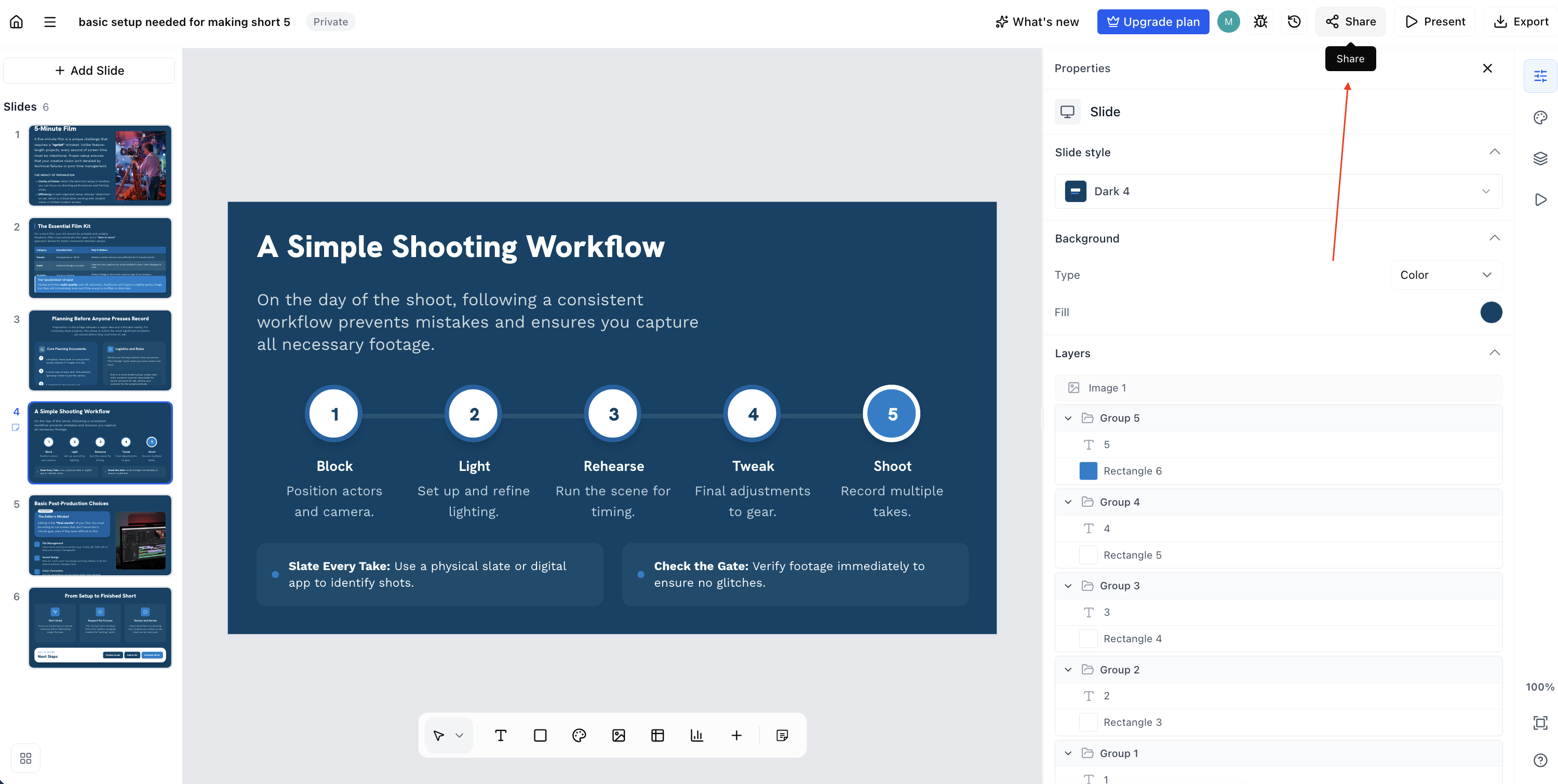
Click on the share button and it will open a modal with presentation sharing setting
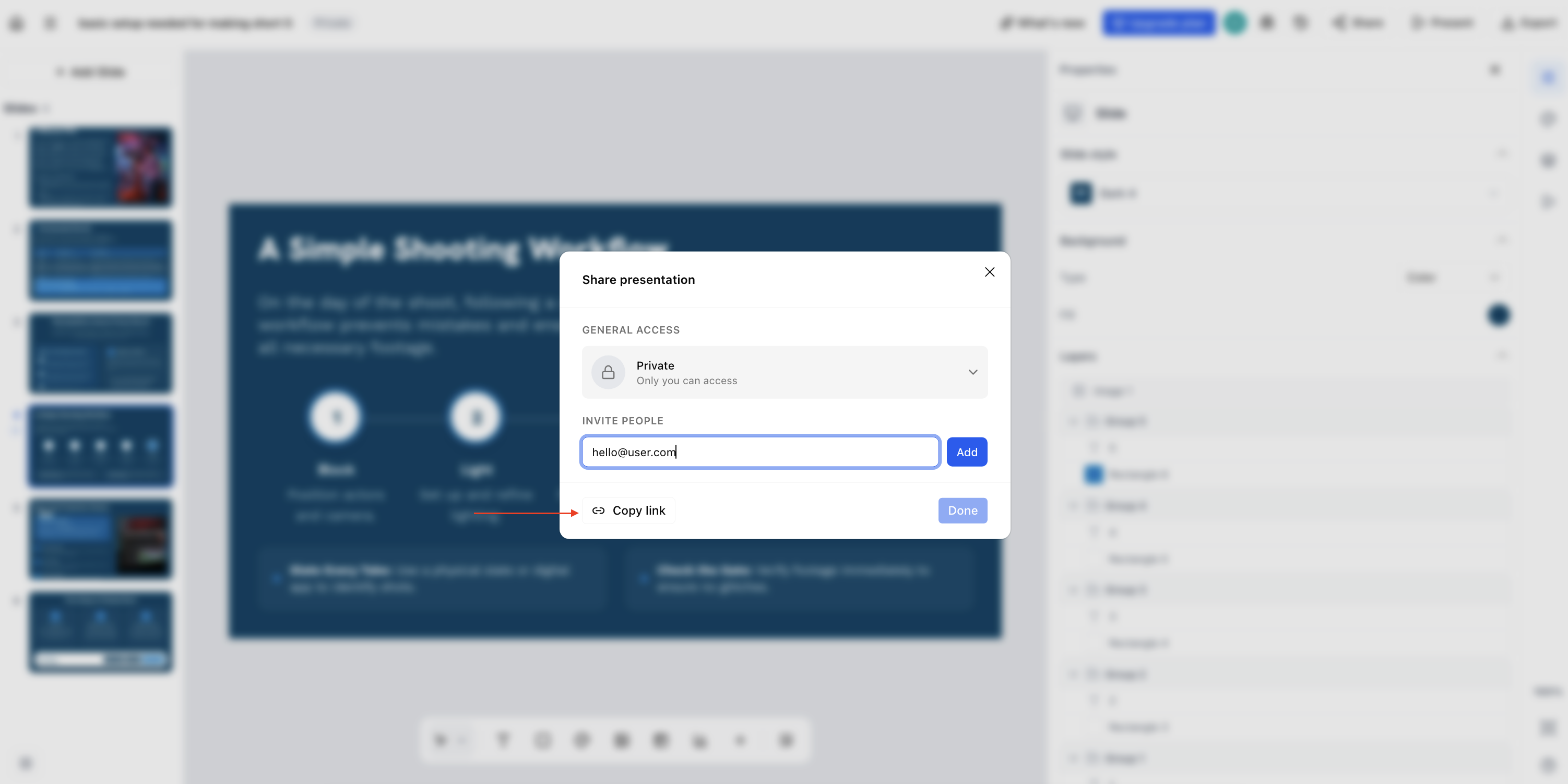
You can change visibility, add email, or make the presentation public. Don't forget to copy the link
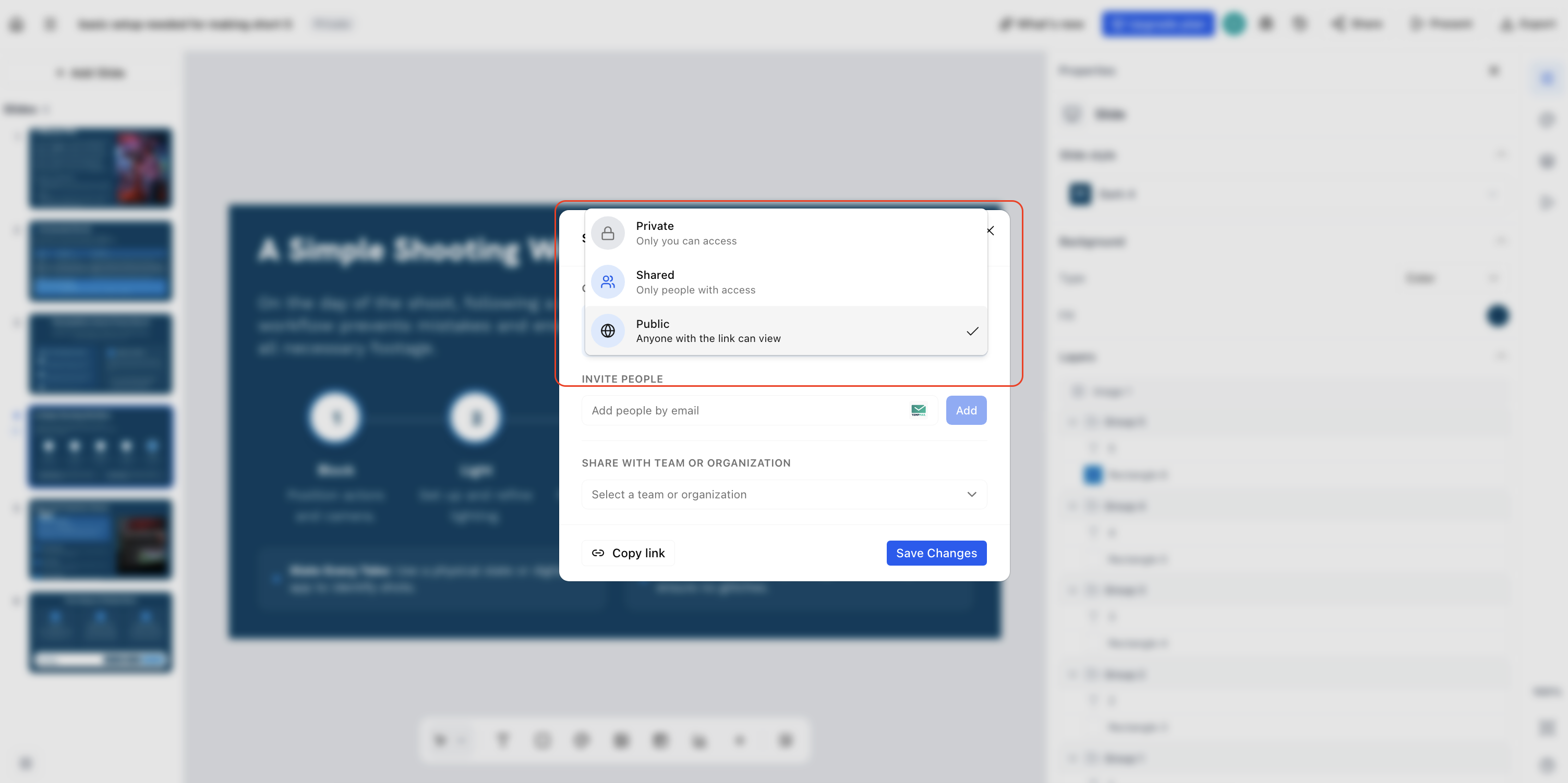
Find text across the presentation
Search text across an entire presentation in one action. So that you can easily find and edit them
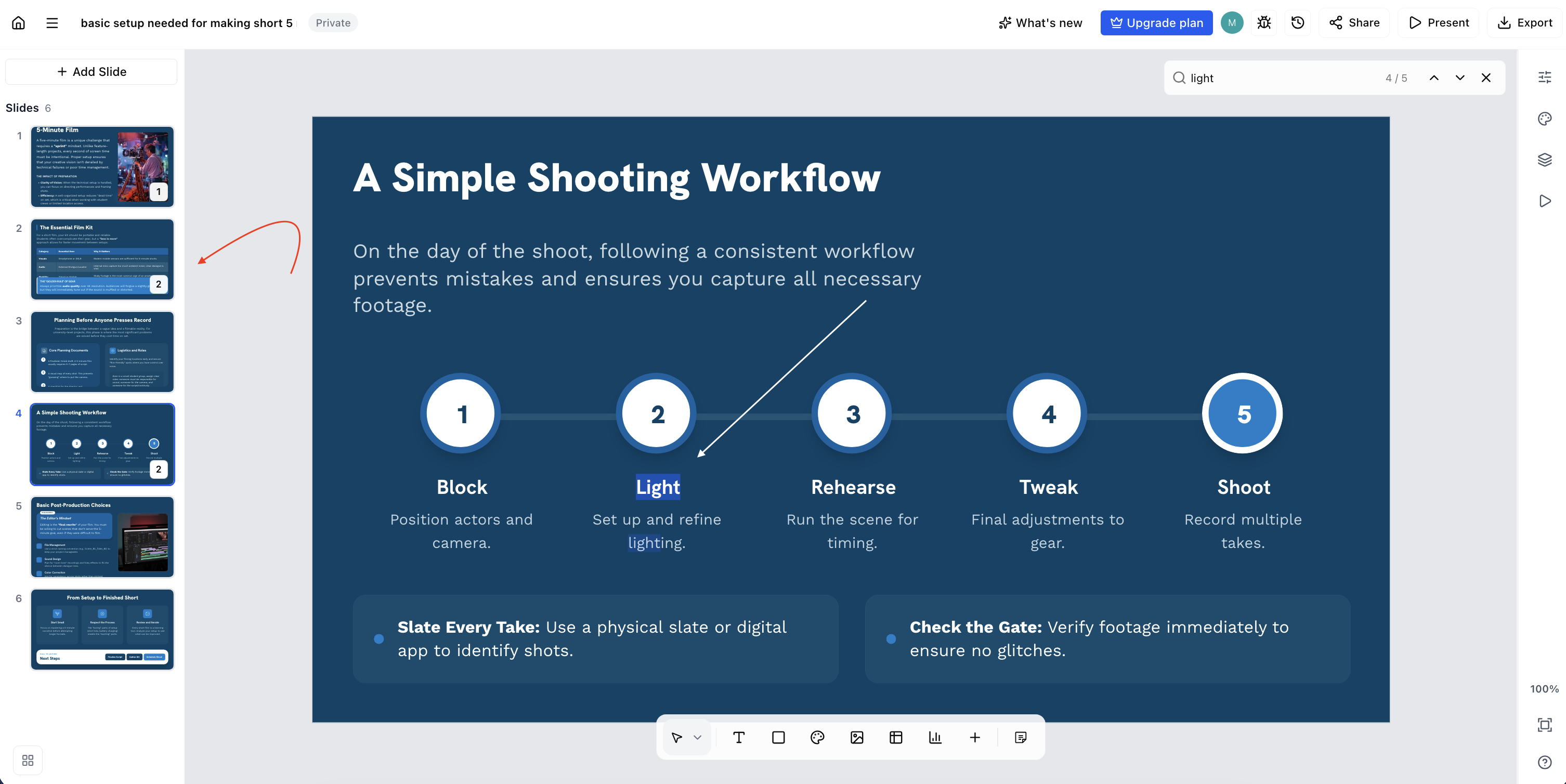
Speaker notes editor
Write your talking points in a dedicated speaker-notes editor, then present with a cleaner, more focused on-screen view designed to keep you and your audience on track.
Improvements
Multi-selection editing and grouping — select several elements at once to move, align, and restyle them together, making layout work much faster.
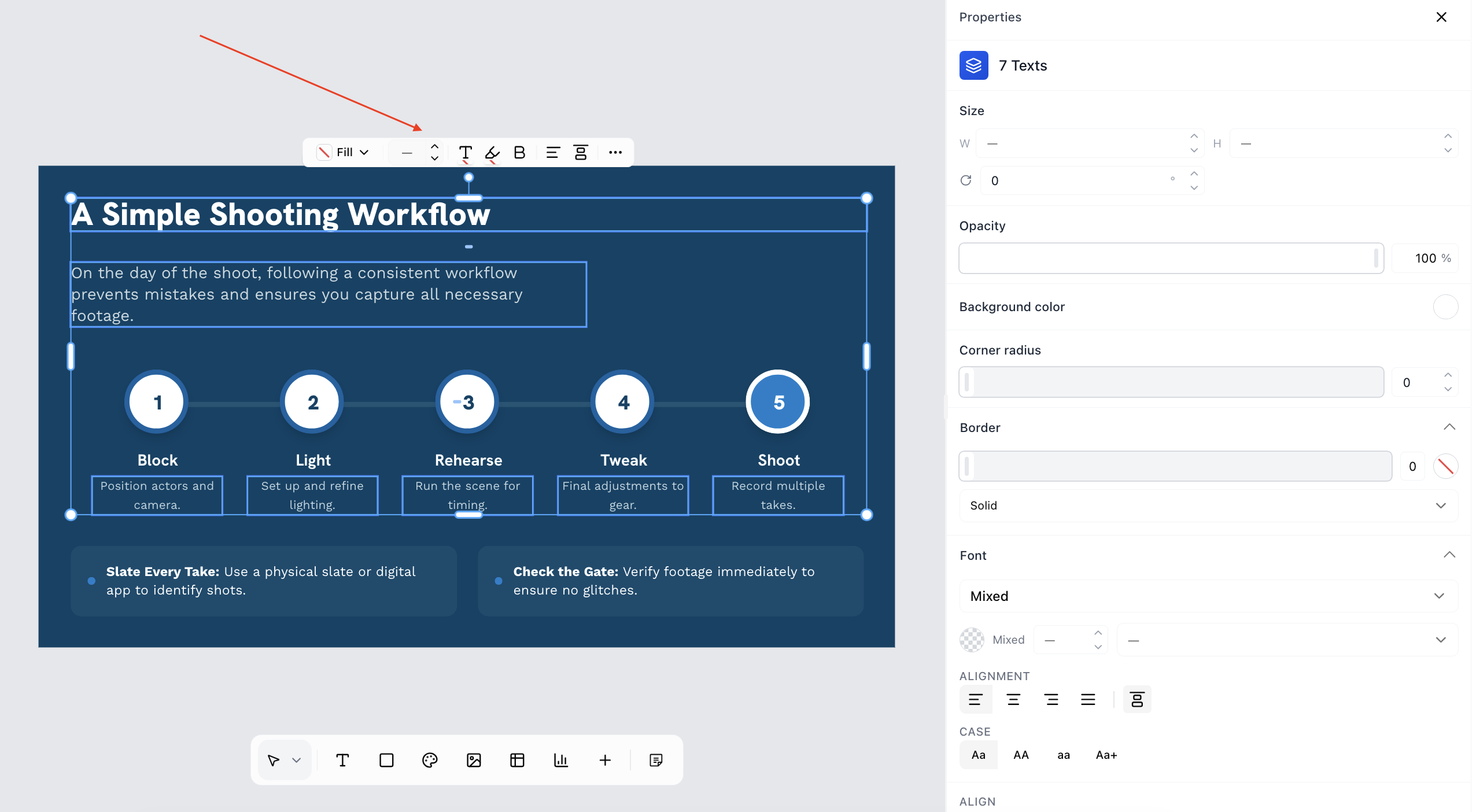
Here we will be changing the font size
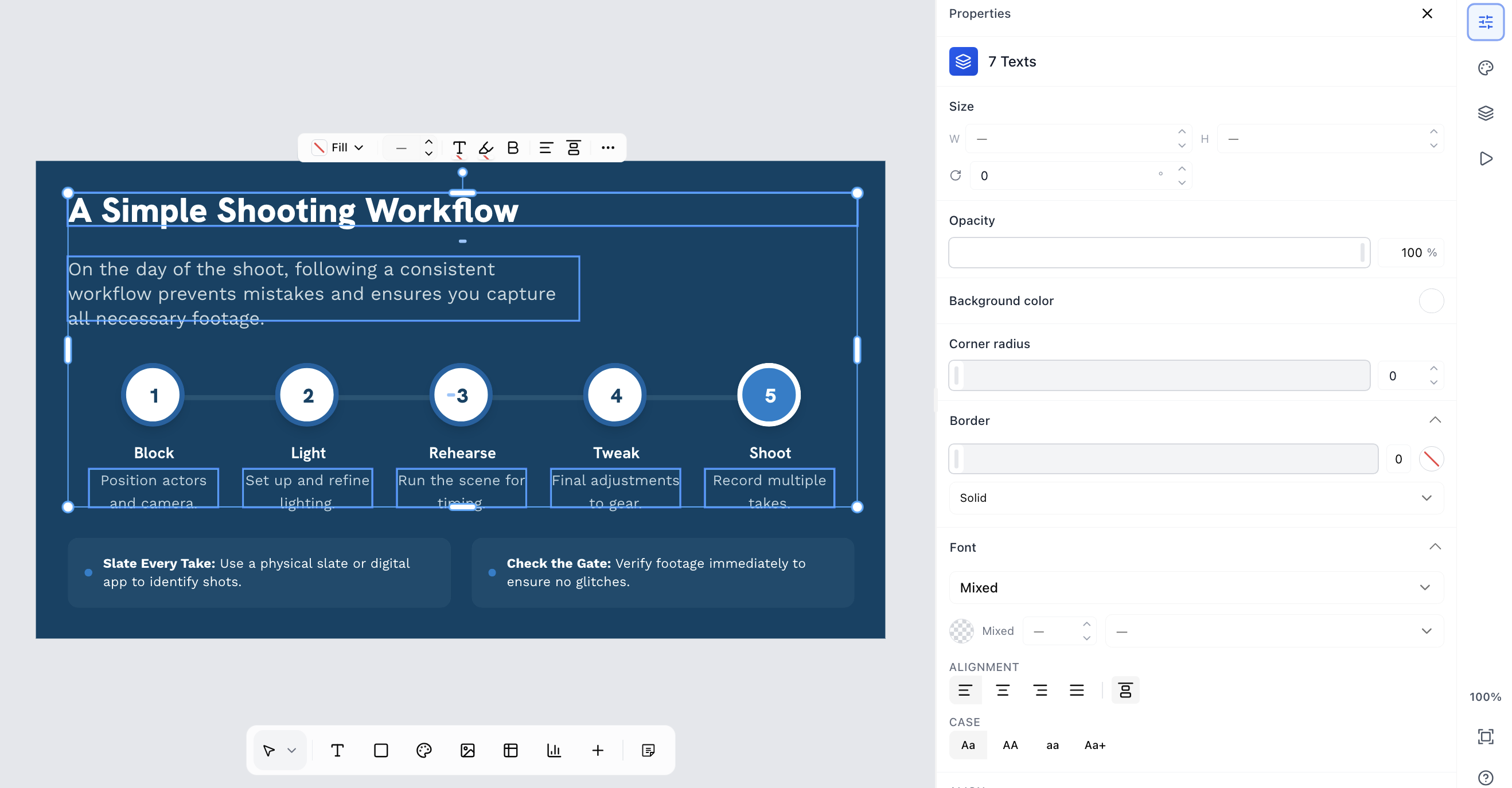
See below the changed font sizes
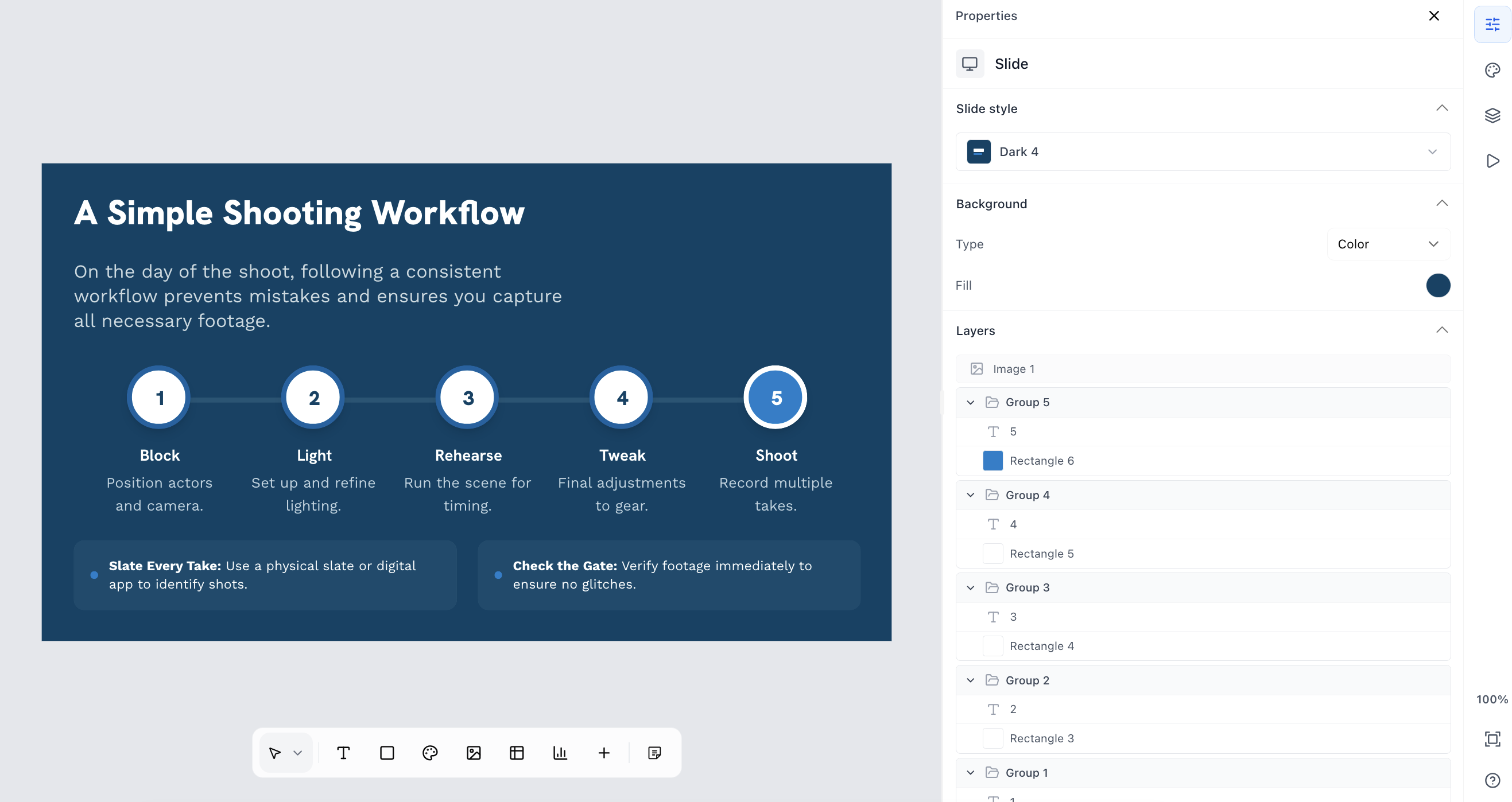
Similarly you can try out other controls with multi editing like changing font colour for all selected items and so on.