
SlidesAI Agent gets Brand Kits, Google links, and sharper image options
SlidesAI Agent setups your brand, reads the Google Docs/Slides you paste, and keeps going when things get bumpy.
What's new
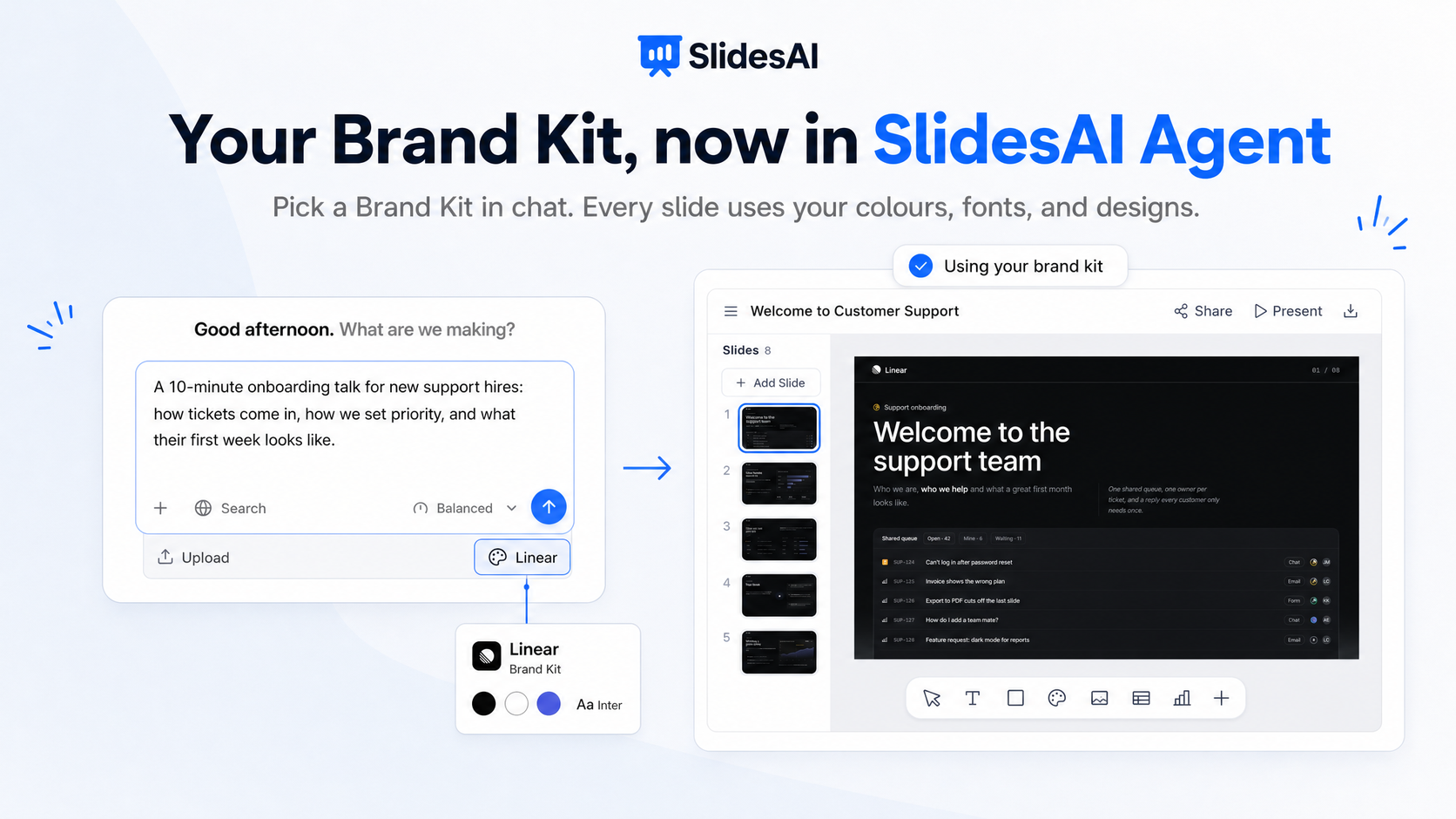
Brand Kits in chat
Pick a Brand Kit in your chat, and the agent builds the presentation with your colours, fonts, and slide designs. Starting from a PowerPoint? Import it and a fast brand kit is ready in moments. See Generate an on-brand presentation with your Brand Kit.
Paste a Google Slides, Docs, or Sheets link
Paste a link to a Google file you can share, and the agent reads it. Google Slides decks are read slide by slide, so nothing gets squashed. When you paste a link, web research is off by default on the setup card, because your file is the source.
Choose your image quality
Pick how sharp your images are: Quick, Standard, Sharp, or Ultra. Each step up costs a few more credits (1, 2, 5, or 10 per image), so you spend only where it counts.
Speaker notes on their own
Ask the agent to write or change speaker notes, and it updates only the notes. Your slide text stays as it is, and there is no extra approval step.
Talk instead of type
Click the microphone in the message box and say what you want. The agent turns it into text.
Improvements
Smarter questions. When your presentation needs details only you know, the agent asks first instead of guessing.
Picks up where it left off. If a build is interrupted, it resumes by itself. Reload the page in the middle of a build and you see the build that is running, not a half-finished answer.
Faster, steadier replies. Balanced and Lite run on a newer, faster model.
Clearer credit messages. When something needs more credits or a paid plan, the agent tells you plainly why. Teams on a shared plan see the team's credits in chat.
Fixes
Research documents with titles in non-Latin scripts (Arabic, Hindi, Chinese, and others) now save correctly.
Fixed an error that could appear when you stopped the agent during an approved step.