
🎨 You can now change the Theme of your whole presentation at once
Are you tired of changing themes manually, or do you dislike the way it looks overall? Nothing to worry, we’ve got you covered!
With Edit With SlidesAI, you can change the theme of the existing presentation at once.
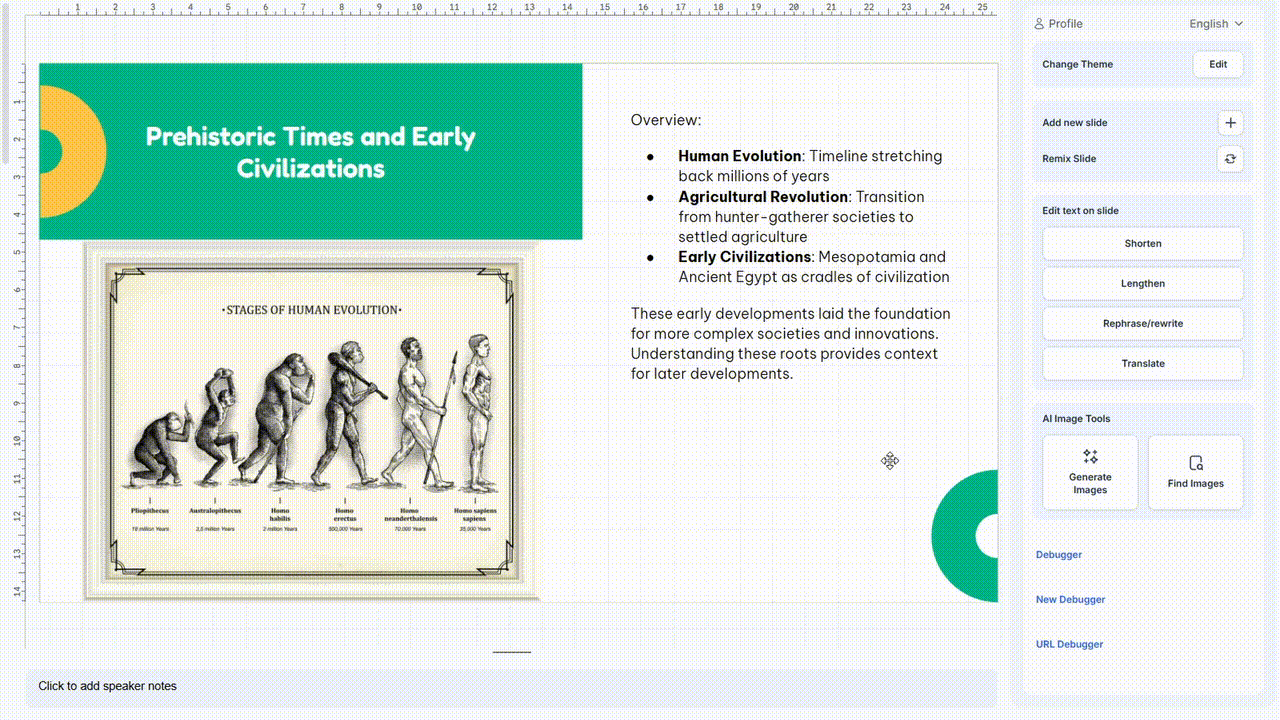
This feature works with both Google Slides and PowerPoint
How to use?
Go to Edit with SlidesAI and select Change Theme.
Choose from the list of compatible themes.
Click "Apply Theme" and your slides will be updated and added to the existing presentation within one minute.
A quick way to customize your entire presentation in one go. We’d love to know more about your experience.
Please feel free to drop a message here for feedback, support, or to request new features. We are here to help!
Was this helpful?