
Fix the 'Action not allowed' error in Google Slides
Updated 3 months ago
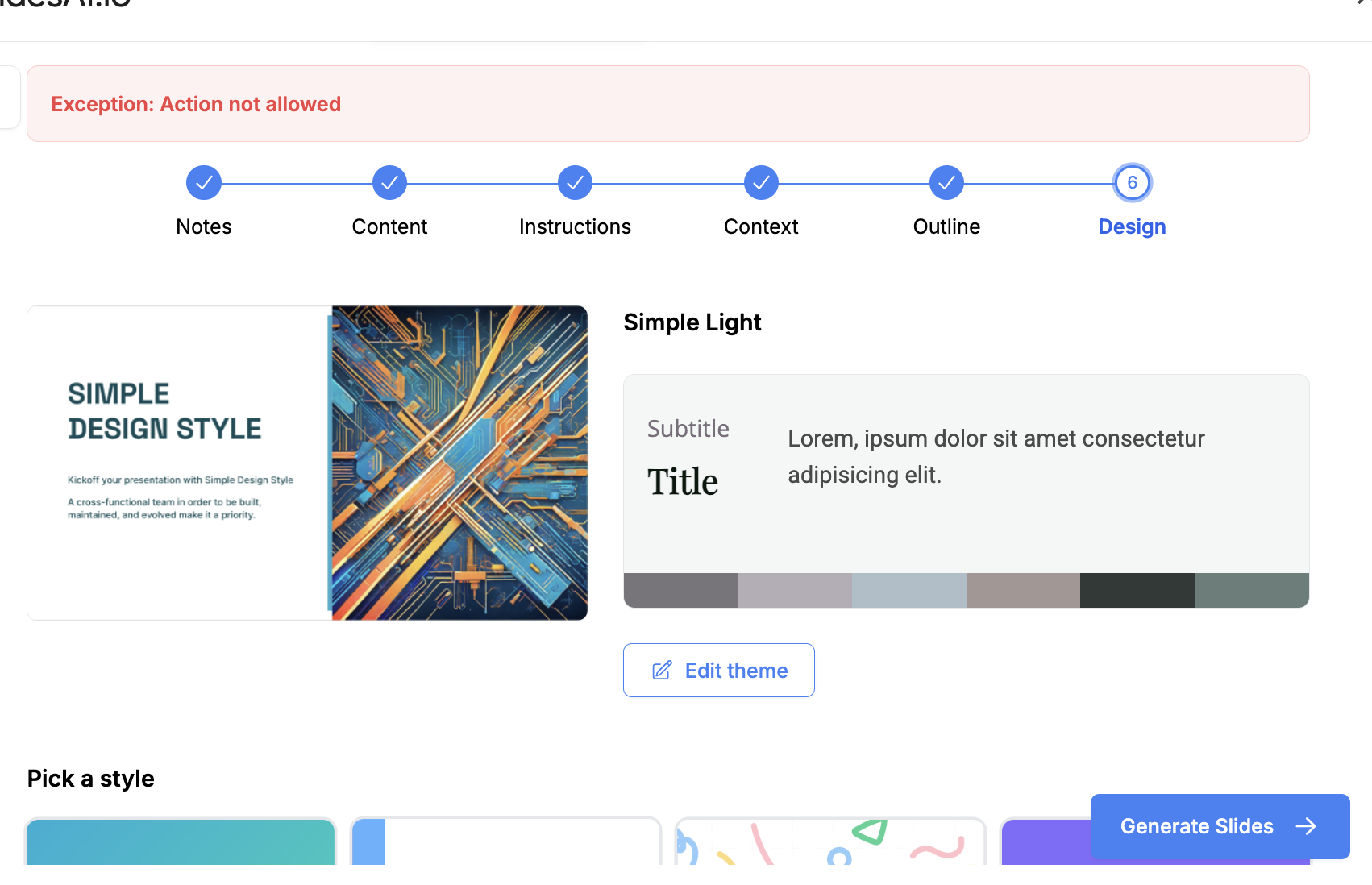
If the SlidesAI add-on won't work in Google Slides, it is usually because of one of two common Google account issues.
1. Using a regular Gmail account
If you are using a regular Gmail account, make sure you are not signed into more than one Gmail account at the same time in the same browser. This is a known limitation on Google's end.
To fix this, you can first try creating a presentation in a private browsing window. If that fixes the issue, please create a separate Chrome Profile for the Gmail account linked with SlidesAI, as recommended by Google.
2. Using a Google Workspace Account
If you are not signed into multiple Gmail accounts, the above fix did not work for you. Likely, your Workspace admin has not allowed the installation of outside add-ons.
You can either ask them to allow the add-ons
Or you can use SlidesAI with your personal Gmail.
If you want to switch your paid plan from one email to another, please reach out to us via live chat support or email us at [email protected]
Reach out to Support
If you are still facing issues, please feel free to reach out to us at [email protected]