
In the Platform, use the Themes panel on the right to apply a theme to your entire presentation, and the Properties panel to change the style of an individual slide.
Open your presentation in the Platform.
Click the Themes panel on the right.
Hover a theme to preview it on your current slide. Nothing is saved while you hover.
Click the theme to apply it to all slides.
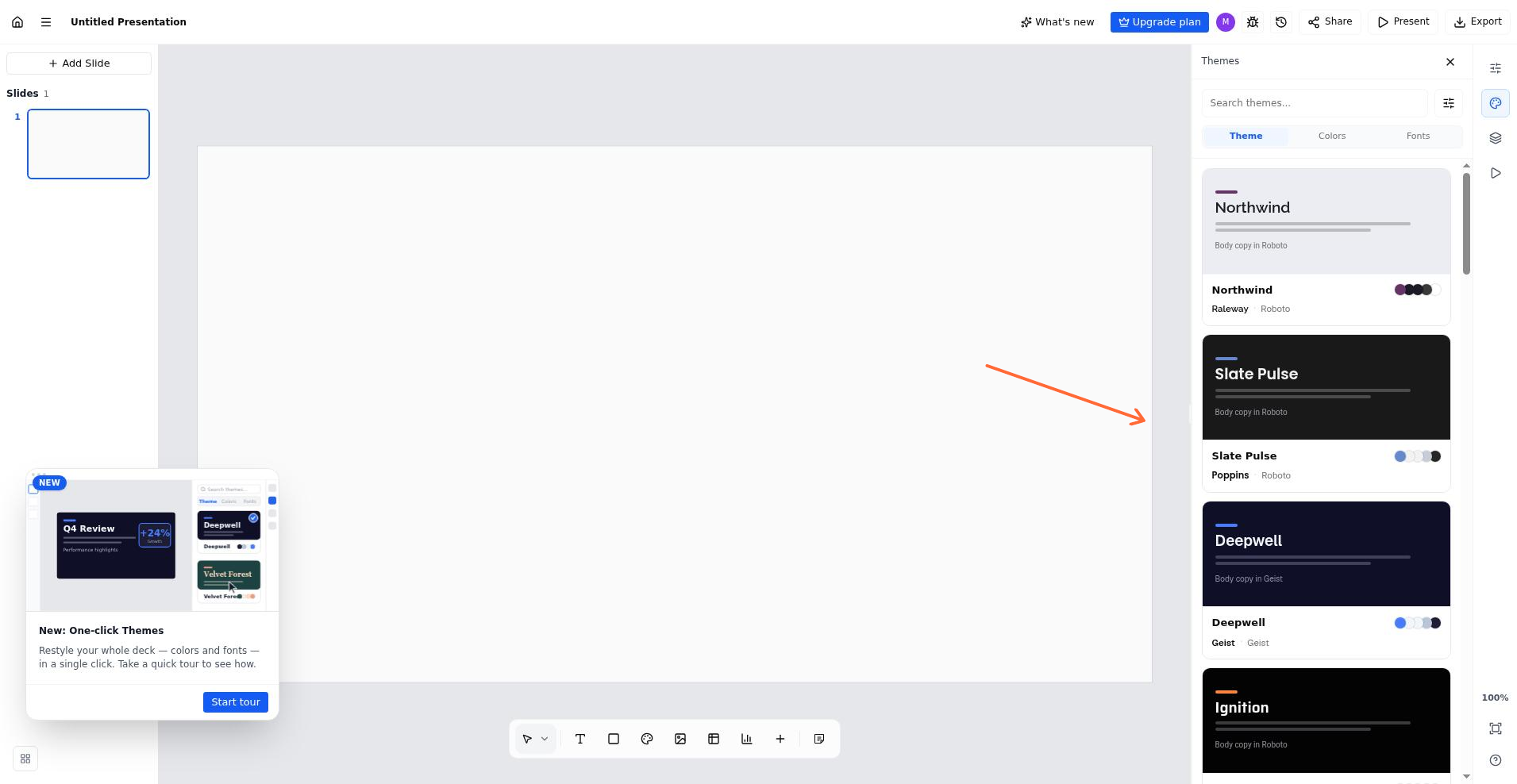
Choose and apply a theme from the Themes panel.
Apply only the colors or only the fonts
The Theme, Colors and Fonts tabs above the list decide how much of a theme you take. Theme applies colors and fonts together, Colors applies the palette and leaves your fonts as they are, and Fonts applies the font pairing and leaves your colors as they are.
The tab you pick also governs the hover preview, so what you preview is what gets applied.
Undo a theme change
Once a theme is applied, a chip at the top of the panel names what changed and offers Undo, which restores the deck to how it looked before. Cmd+Z on a Mac or Ctrl+Z on Windows does the same thing.
Change a single slide's layout
Select the slide you want to change.
Click the Properties panel on the right.
Under Slide style, choose a style from the dropdown.
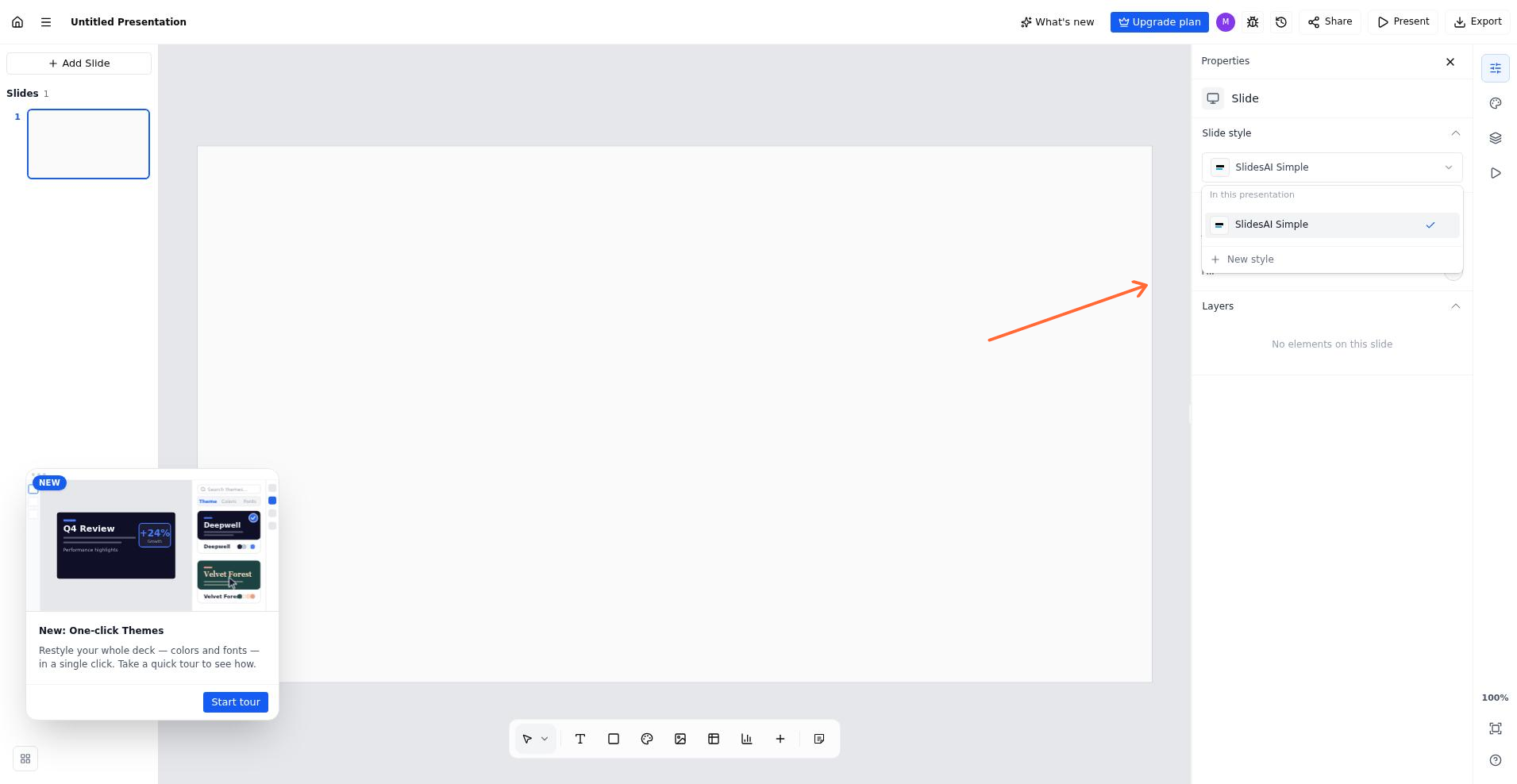
Change a slide's style from the Properties panel.