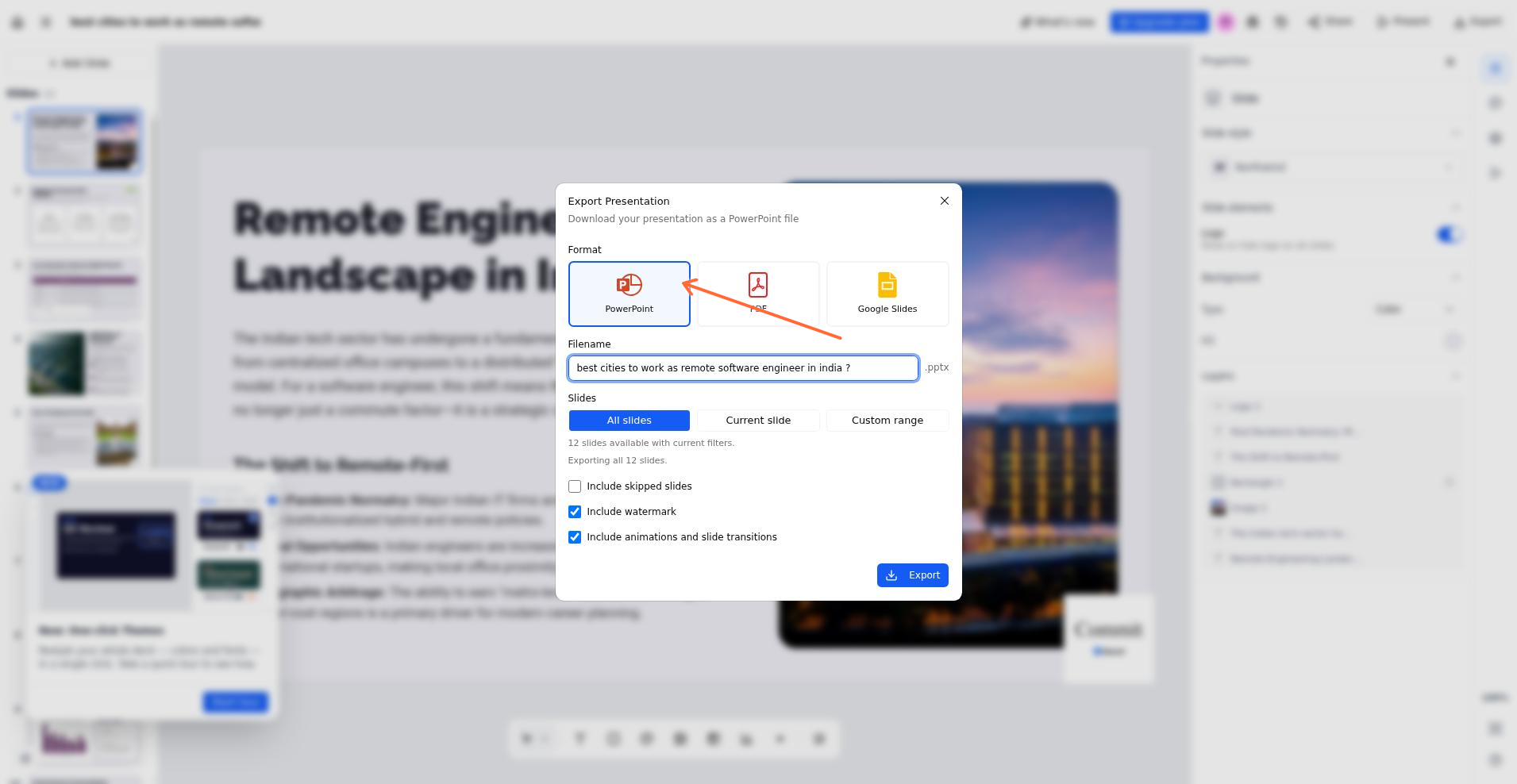
Download your presentation as a PowerPoint file (.pptx) to open it in Microsoft PowerPoint, Google Slides, or any compatible app. Expand the app you are using below for the steps.
Export as a PowerPoint file
In the SlidesAI Platform
Open the presentation in the Platform.
Click the Export presentation button in the top header bar.
Select PowerPoint as the format.
The PowerPoint file downloads to your computer.
Choose PowerPoint from the Export Presentation modal in the Platform.
In Google Slides
In Google Slides, click File → Download → Microsoft PowerPoint (.pptx).
The PowerPoint file downloads to your computer.
In PowerPoint
Your presentation is already in PowerPoint format.
Click File → Save As and choose a location if you want a separate copy.
In the ChatGPT helper
After the helper builds your presentation, follow its export instructions to send it to Google Slides.
In Google Slides, click File → Download → Microsoft PowerPoint (.pptx).